



01
Choose the right source
Inbox or notes
Start from selected Gmail messages or saved notes depending on where the reporting context already lives.
Use the input that actually belongs in the update.
Reports without the backlog
Choose a template, select emails or saved notes for a daily, weekly, or monthly report, and generate a structured output without manually piecing every source together.
What Nootely does
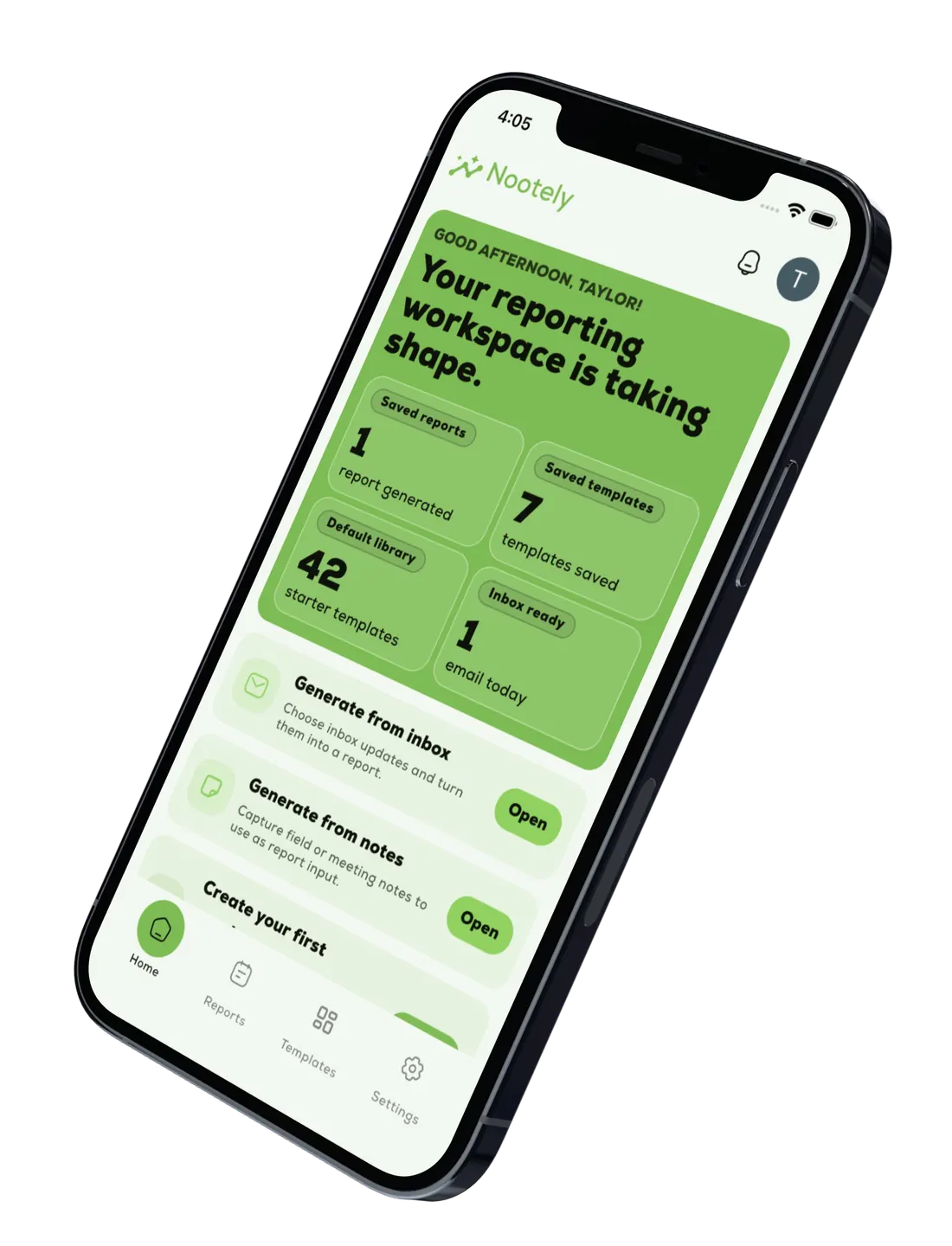
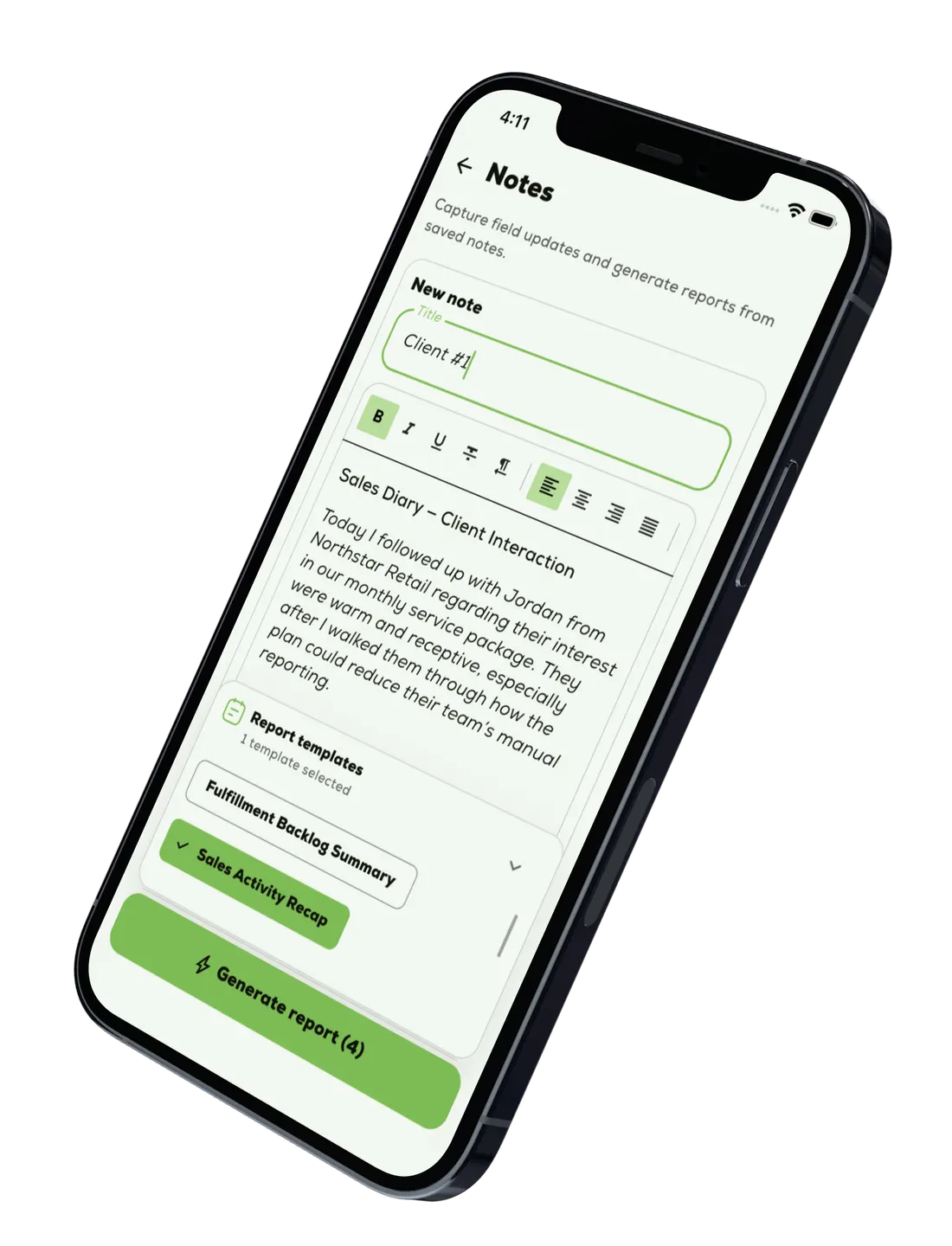
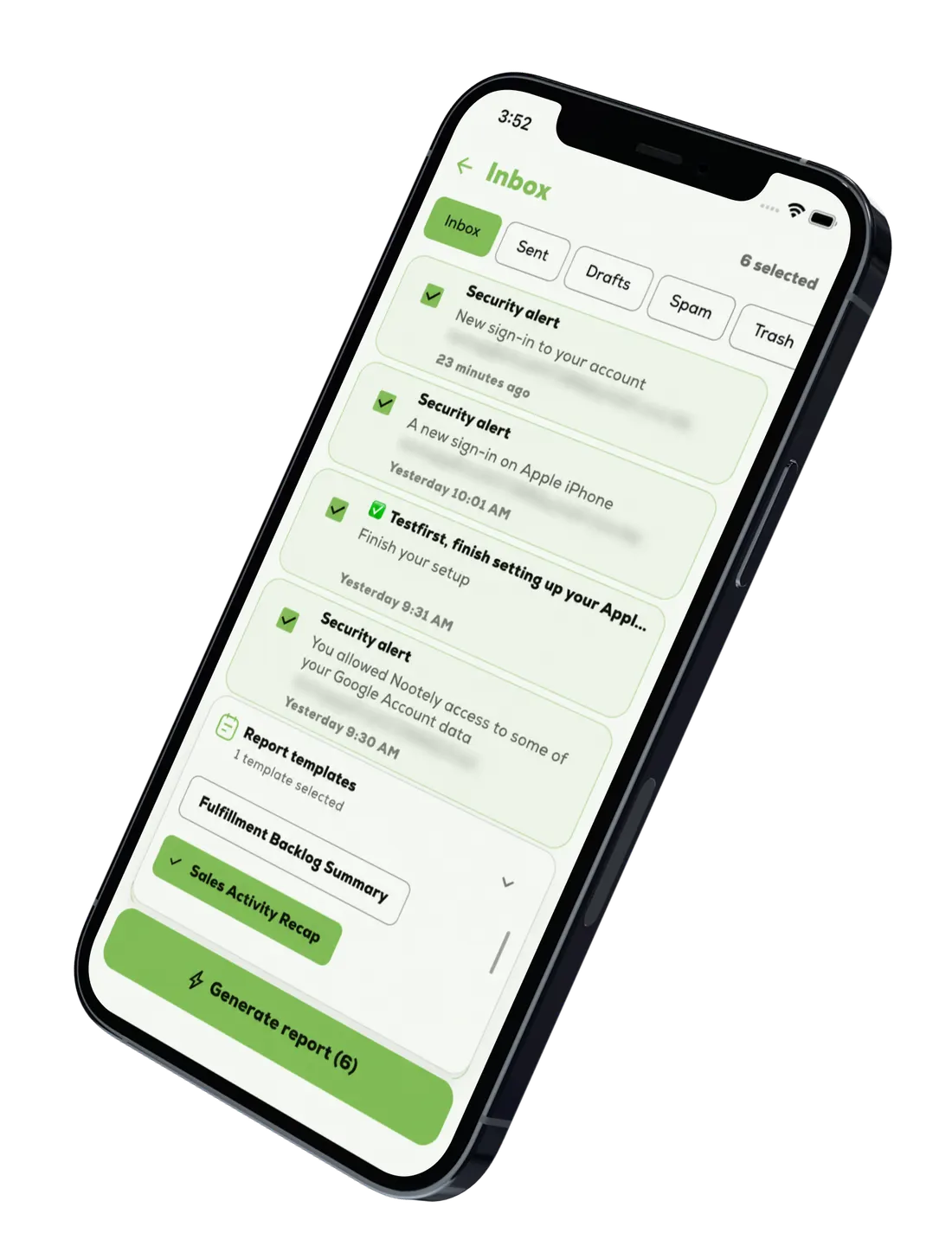
Nootely gives teams two report paths: generate from selected Gmail messages when the source lives in the inbox, or generate from notes when the context is already written down.
01
Choose the right source
Start from selected Gmail messages or saved notes depending on where the reporting context already lives.
02
Keep reports consistent
Use one structure across daily, weekly, and monthly reporting so outputs stay aligned.
03
Make review easier
Start from a cleaner draft so the team can edit the message instead of assembling it.
04
Share with less cleanup
Move from rough inbox or notes input to something the team can review, adjust, and send with less rework.
Features
Nootely helps teams move from Gmail conversations or saved notes to polished reports through a clear path from source selection to final review.
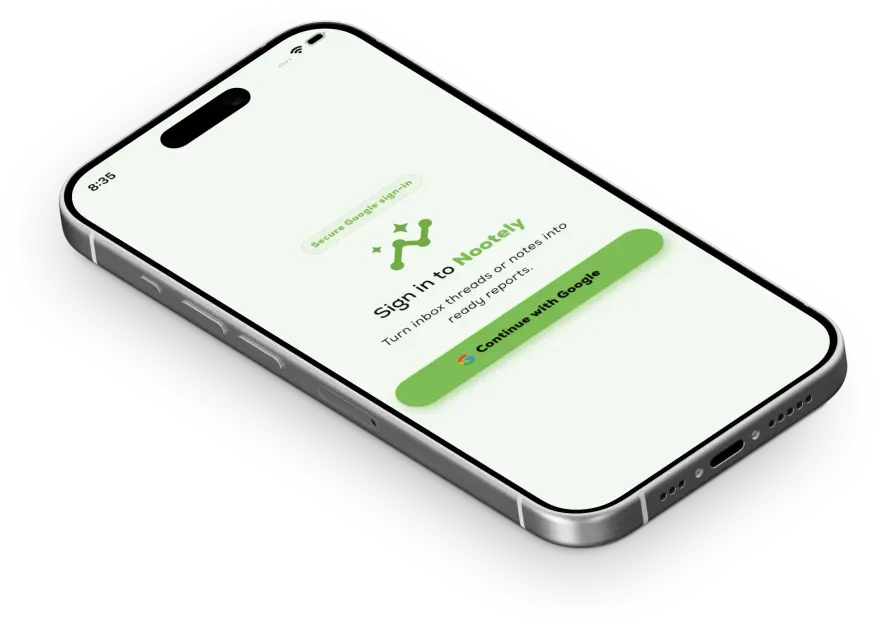
Sign in with Google so Nootely can use the Gmail messages you choose without extra account setup.
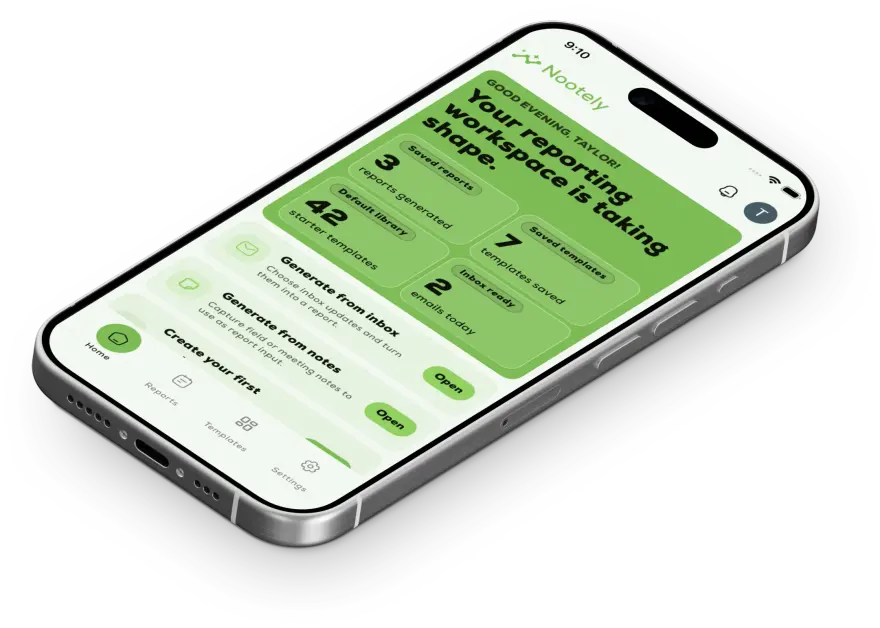
Open inbox reports, notes reports, templates, and recent reports from one place.
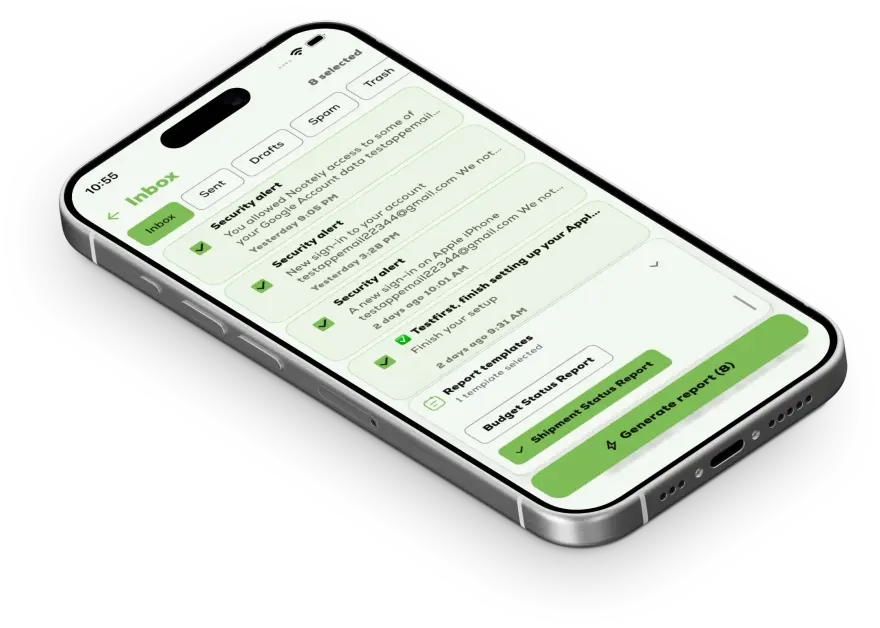
Select the Gmail threads that matter and pair them with a report template to turn the inbox into a draft.
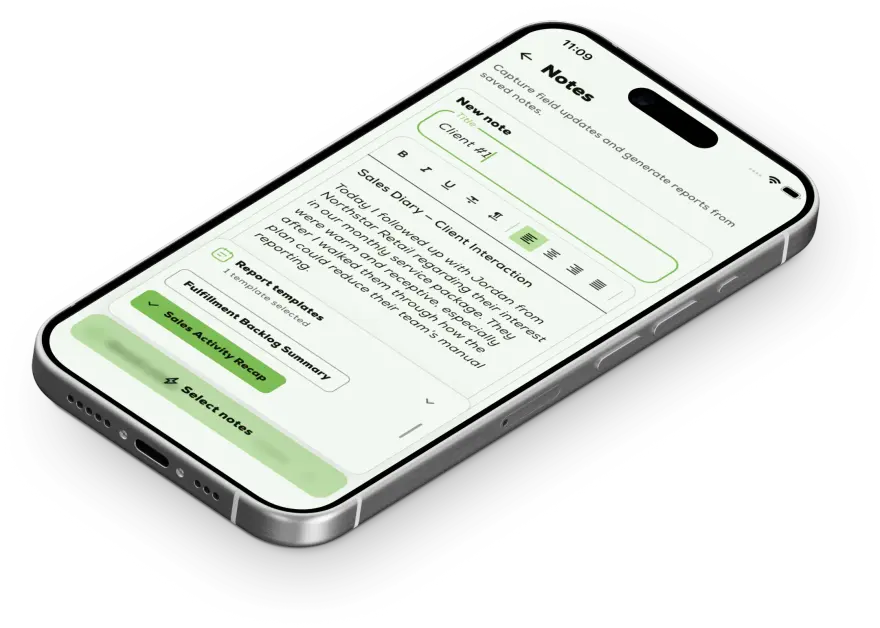
Save context directly in Nootely and turn selected notes into a report draft when the useful context already lives outside Gmail.
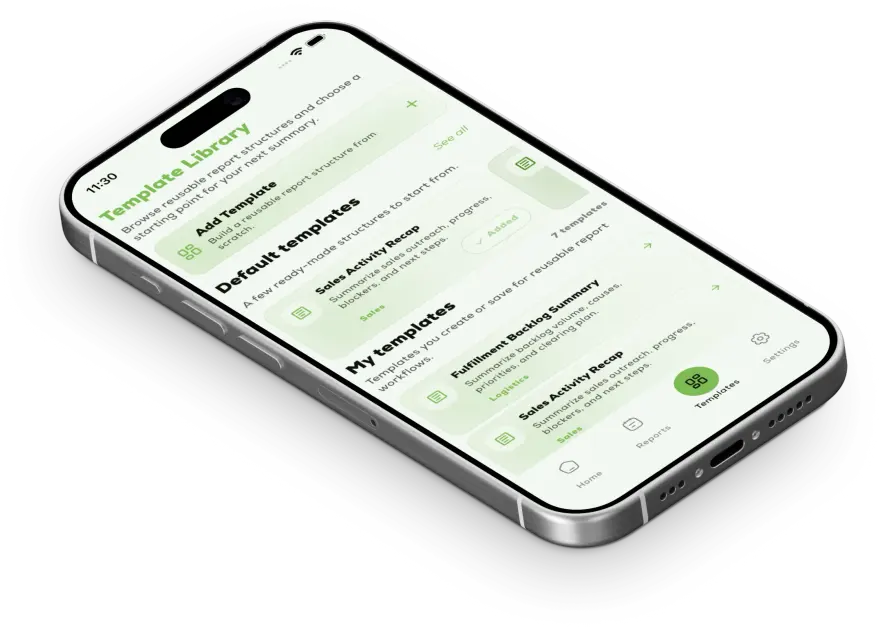
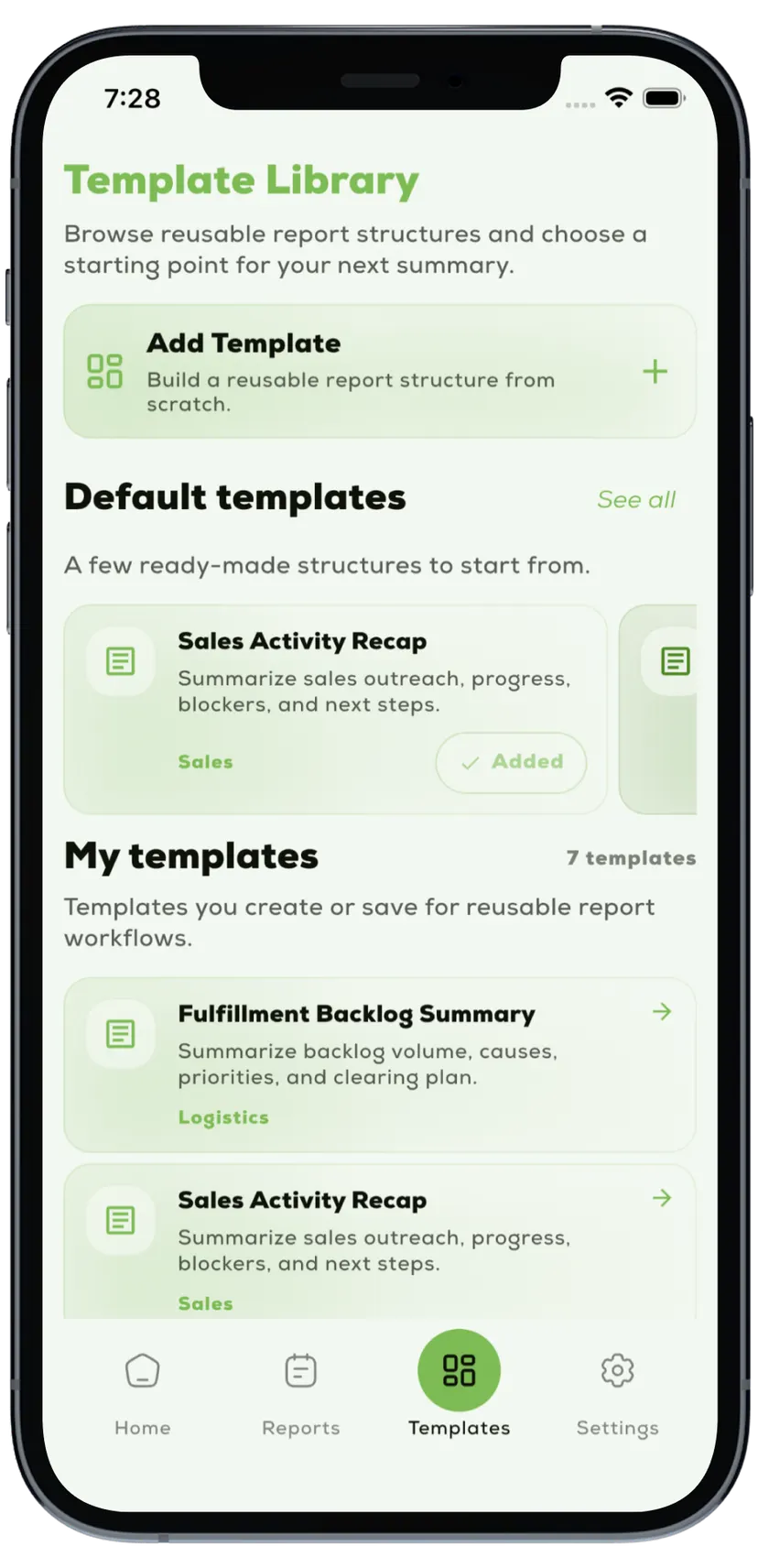
Use created templates or default templates to keep daily, weekly, and monthly reports consistent.
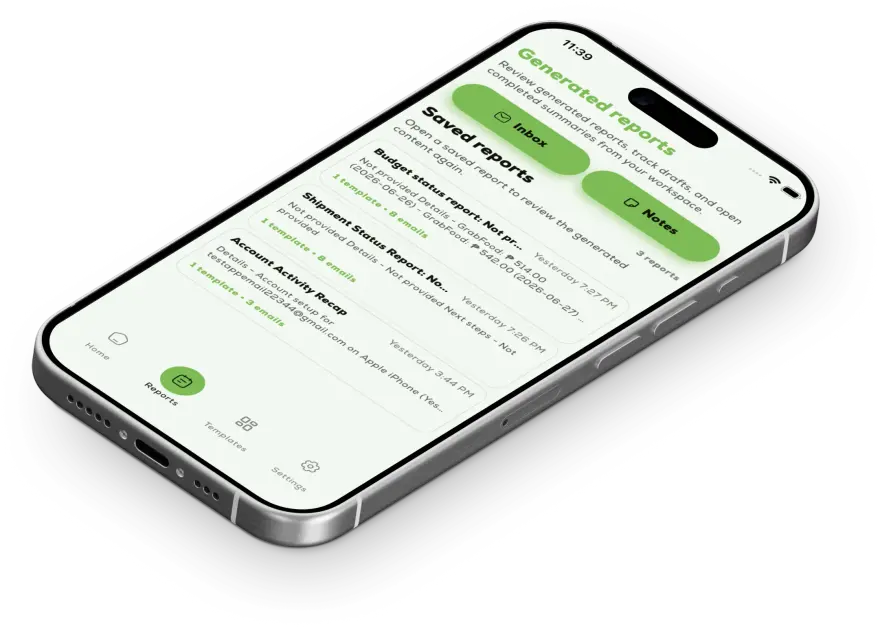
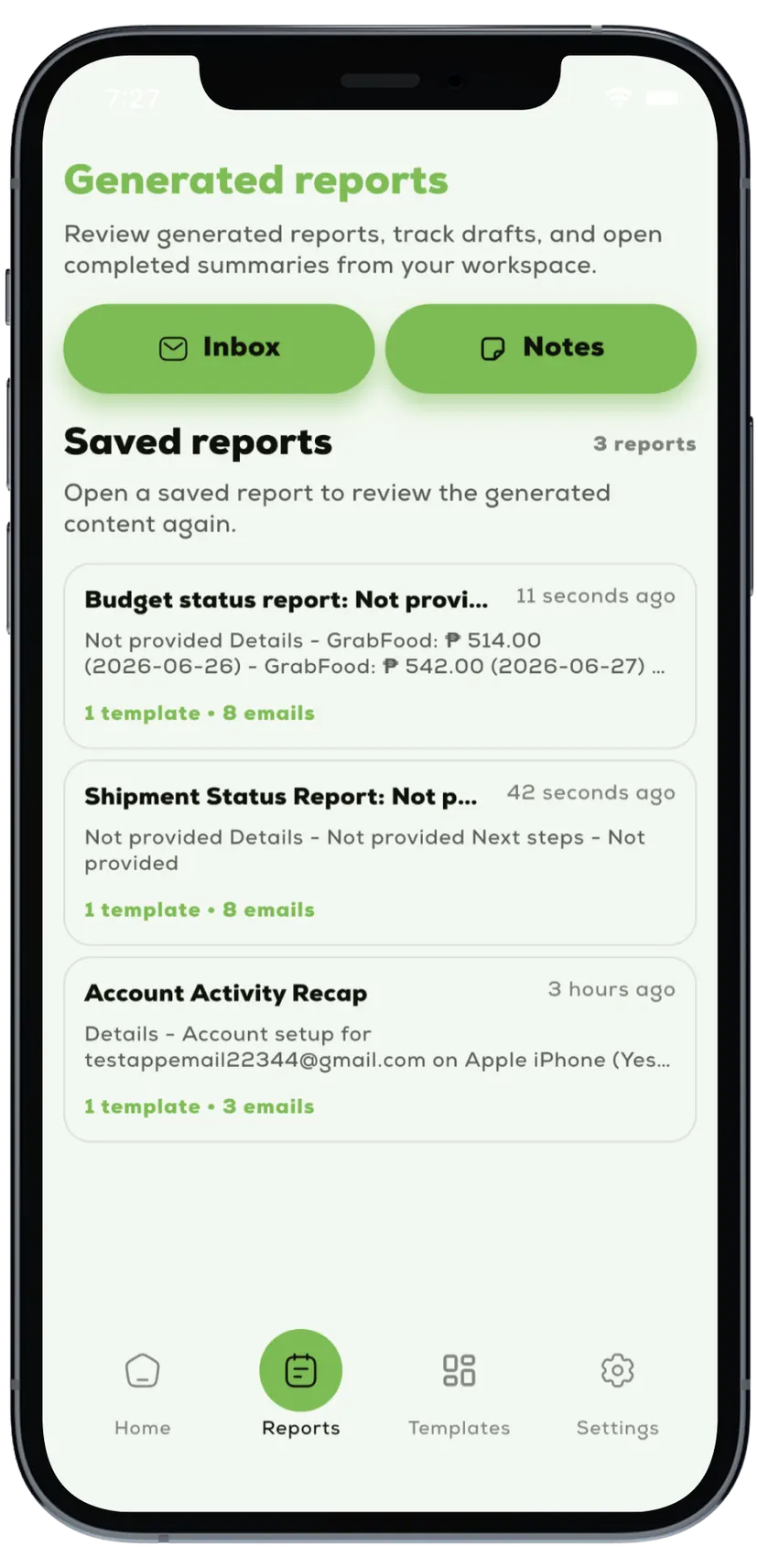
Review saved reports and return to generated outputs when you need them.
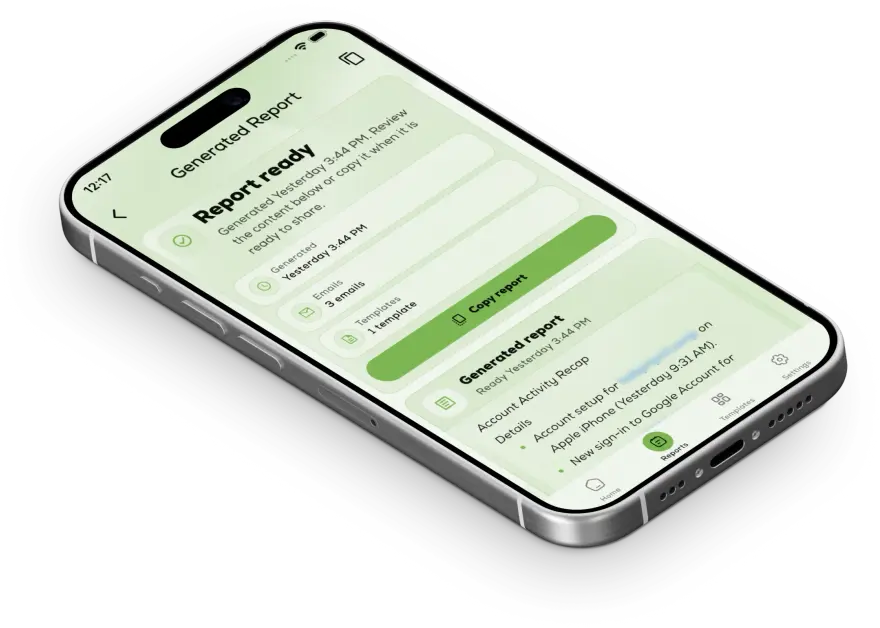
Check the generated draft, copy it, and make the final call before sending.
Nootely helps teams turn email conversations or saved notes into consistent, polished reports with less manual effort.
Pricing
Nootely is priced for one Google account user who needs a faster, more repeatable way to turn selected Gmail messages or saved notes into structured AI-assisted reports.
Free
$0
/ month
Usage
Up to 5 AI-generated reports per month
Free to try for light reporting needs.
Solo
Save 20%$9.99
/ month
$7.99
/ month
Billed annually
$95.88 / year
Usage
Up to 100 AI-generated reports per month
For normal recurring reporting use.
Pro
Save 20%$14.99
/ month
$11.99
/ month
Billed annually
$143.88 / year
Usage
Up to 300 AI-generated reports per month
For heavier individual usage.
Pricing applies to one Google account user. Displayed prices use Philippine peso for visitors in the Philippines and USD elsewhere. AI-generated report limits reset every month.
How it works
The flow stays simple: start with a structure, choose Gmail messages or notes as the source, and generate a draft that is easier to review and share.
Start with structure
TemplatePick the structure that fits the update so the draft already knows where summary, blockers, and next steps belong.
Add the source
Inbox or notesPull in the threads that matter from Gmail, or use saved notes when the report should start from written context.
Generate the draft
Review-readyGenerate a structured draft so the team can focus on the message, refine details, and send with less cleanup.
FAQ
The questions users usually want answered before integrating Nootely into their reporting workflow.
Use Nootely within your team's existing workflow and reach out through your internal support channel when something needs attention.
Ready to start
Use Nootely to organize selected emails or notes, apply a reporting template, and generate a cleaner draft faster.
Google Play closed testing access is available by email.


